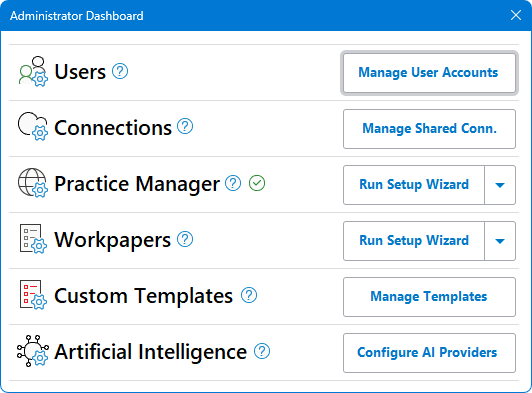
Administrator Dashboard
RadiusCore has an administrator-only dashboard within the application that can be used by those with the administrator user permission to manage subscription settings. To access the administrator dashboard:
-
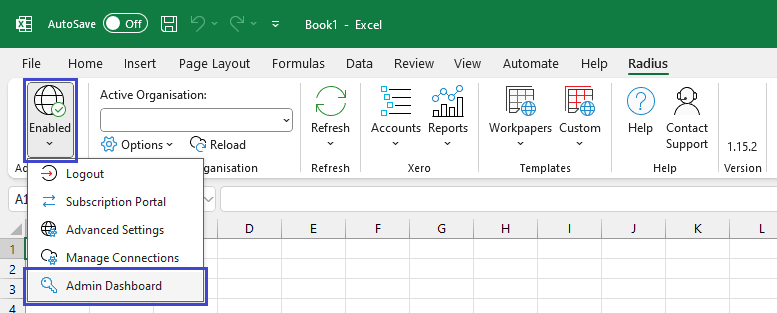
Select Radius on your Excel ribbon.
-
Ensure you are logged into RadiusCore with a user account that has the Administrator permission.
-
In the Add-in Status section press the status button ➔ Admin Dashboard.
-
The administrator dashboard will appear.